
Pedometers, these small devices designed to record the number of steps taken, have become essential companions for anyone looking to track their physical activity. Despite their usefulness, these gadgets can sometimes present frustrating malfunctions: inaccuracies in step counting, synchronization issues with smartphones, or battery life problems. Fortunately, most of these issues can be resolved with a few simple tips and adjustments in the use or configuration of the device.
Diagnosis of Common Pedometer Problems
Identify the sources of malfunctions before diving into risky solutions. A stopped step counter or a blank screen on your pedometer may indicate a simple software bug, often requiring a restart of the device. If the pedometer app crashes, the problem may be more complex, involving application errors or missing updates. Consider that pedometer synchronization issues may stem from a poor connection or incorrect network settings.
Keep in mind that to answer the question “ how to resolve the operational issues of my pedometer,” a methodical approach is essential. Start by assessing whether the problem is isolated or recurring. A server connection issue may be caused by network configuration errors, while a blank screen could be due to an application crash. Synchronization problems can affect the pedometer’s performance and often require checking the Wi-Fi or Bluetooth connection.
Examine the error reports and activity logs of your pedometer to identify patterns or specific errors. If the step counter is stopped, ensure that the device is properly charged and positioned. An application that crashes repeatedly may indicate the need for an update or reinstallation. For connection issues, make sure that network settings are correctly configured and that your device is up to date with the latest available software. If in doubt, do not hesitate to contact technical support for in-depth assistance.
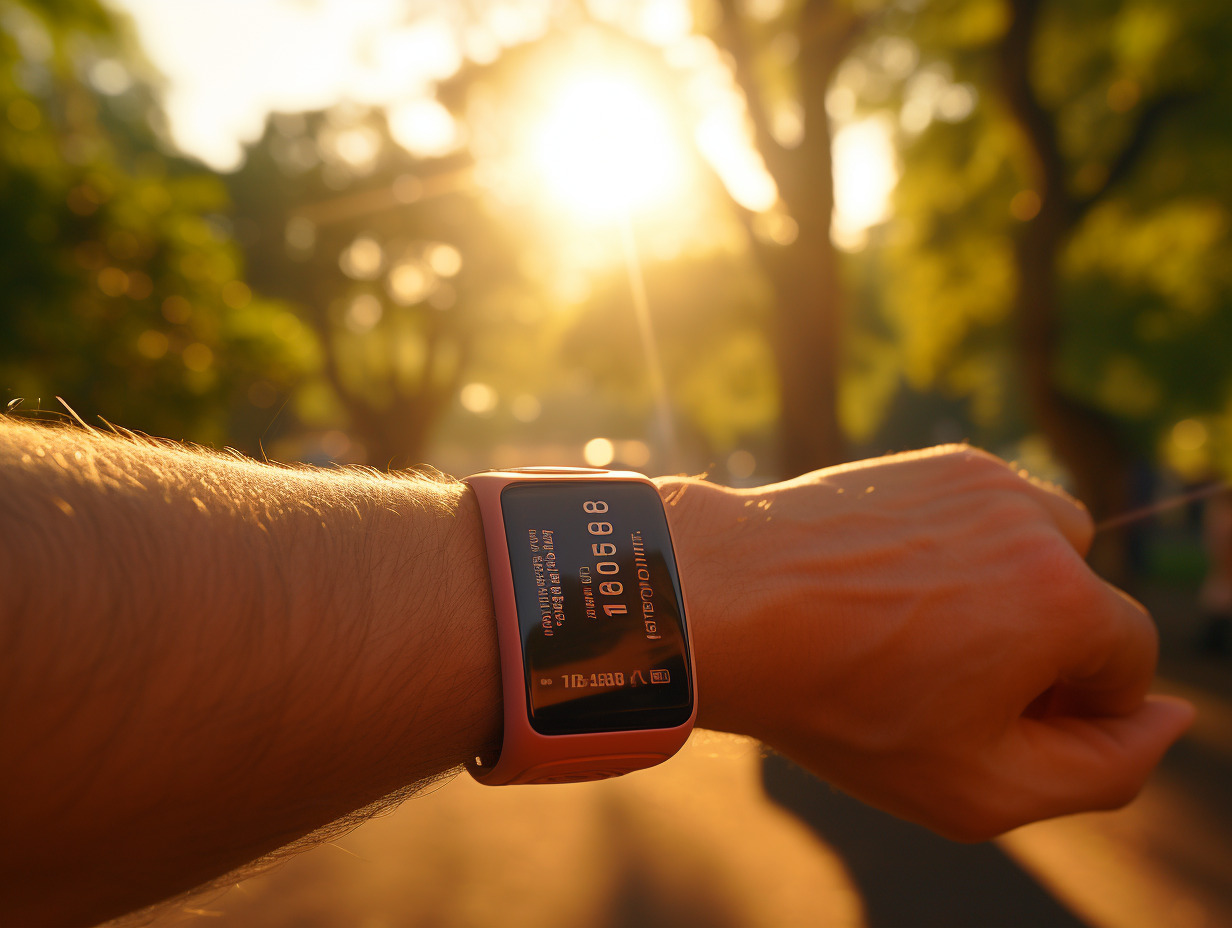
Practical Solutions for a Functional Pedometer
A device restart is often the first reflex to remedy a stopped step counter or a blank screen. This simple action can resolve crashing issues and get your pedometer back in action. In cases where the pedometer app crashes repeatedly, an app update is necessary to ensure the optimal functioning of your physical activity tracking device.
Proceed with resetting network settings in case of pedometer synchronization issues. Check Wi-Fi and Bluetooth connections, as they are essential for proper synchronization with other devices or tracking platforms. Checking battery status is also fundamental; weak batteries can cause unexpected interruptions in the synchronization process and affect the pedometer’s efficiency.
For those experiencing persistent difficulties, calibrating the device can prove to be an effective solution for improving pedometer accuracy. Ensure that the pedometer is correctly positioned and perform frequent synchronization to keep the device updated. In cases of complications that exceed usual procedures, technical support remains a valuable resource, capable of providing dedicated assistance and resolving complex issues.